
To create a pricing item specifically for Bring-a-Friend usage, follow these steps:
- Access Pricing:
- On the left-hand side of your AXLE portal, navigate to Fitness and click Pricing.
- Add or Edit a Pricing Item:
- To create a new item, click Add Item.
- To modify an existing item, locate it and click Edit.
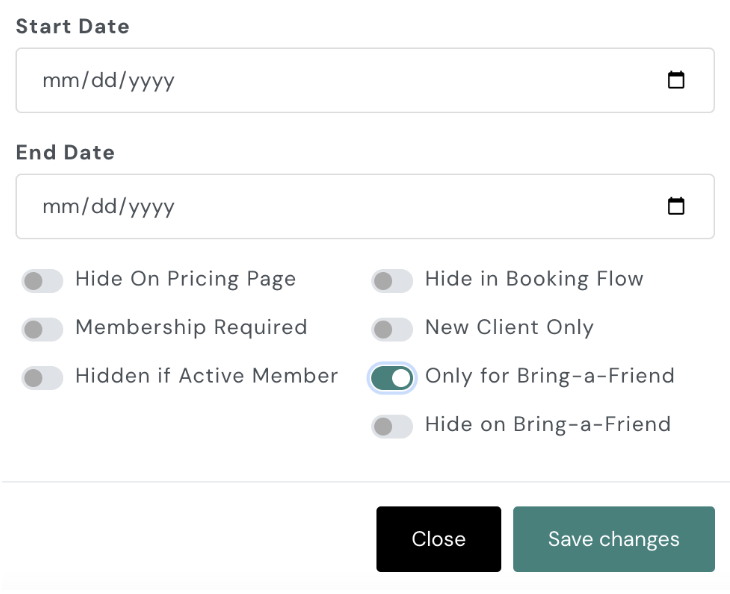
- Enable ‘Only for Bring-a-Friend’:
- Toggle on the “Only for Bring-a-Friend” option while setting up or editing the pricing item.
- Save Changes:
- Scroll down and click Save Changes to finalize your setup.
This ensures that the pricing item can only be used for the Bring-a-Friend feature in the app.
To learn how to add pricing, click here.