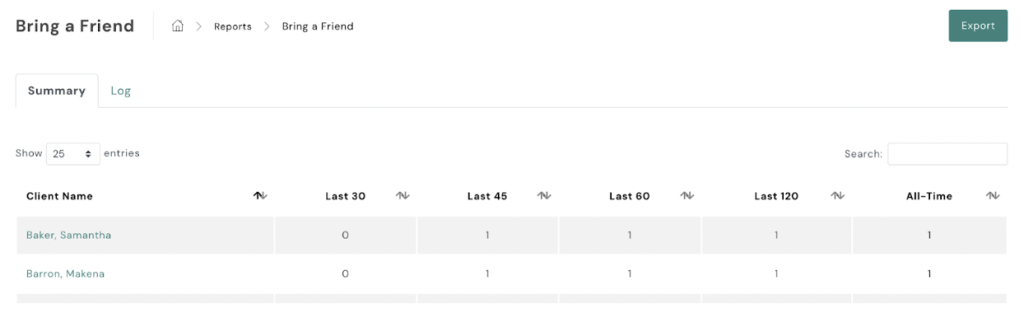
To review data on Bring-a-Friend visits:
- Navigate to Bring-a-Friend:
- On the left-hand side of your AXLE portal, locate the black toolbar.
- Scroll down to Campaigns.
- Access the Data:
- Select Bring-a-Friend from the Campaigns section.
Here, you can view detailed data on Bring-a-Friend visits, including participation metrics and visit history.