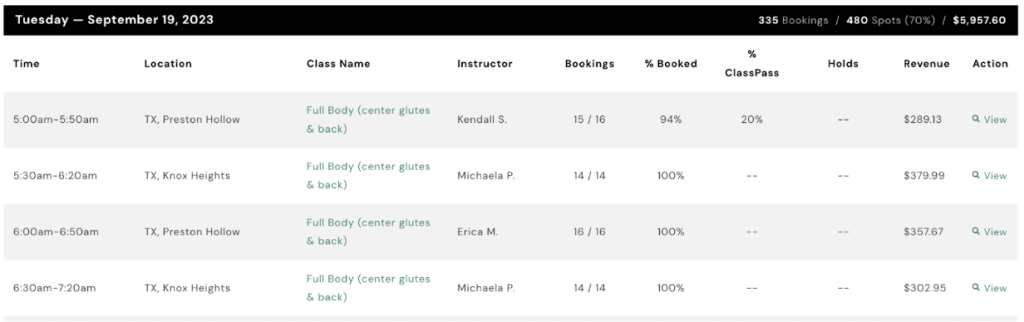
Yes, you can review your schedule in AXLE. Here’s how:
- Navigate to Classes:
- On the left-hand side of your portal, locate the black toolbar.
- Scroll down to Fitness.
- Access Your Schedule:
- Click on Classes.
Here, you’ll be able to view your class schedule, including class times, capacity, and other details.