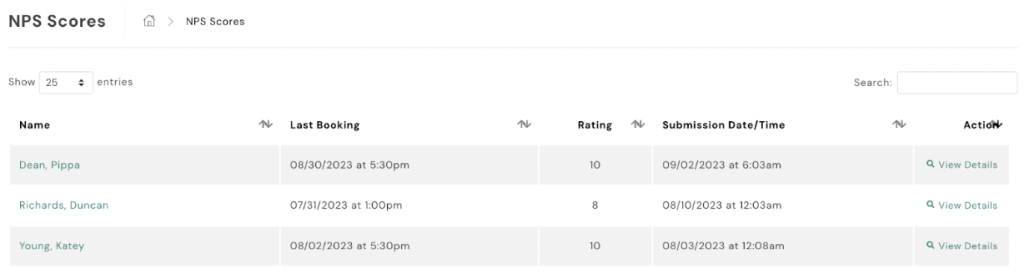
To review your NPS scores in AXLE:
- Navigate to NPS Scores:
- On the left-hand side of your portal, locate the black toolbar.
- Scroll down to Campaigns.
- Access NPS Scores:
- Click on NPS Scores.
Here, you will be able to review all NPS scores that have been submitted, giving you insights into customer loyalty and satisfaction.