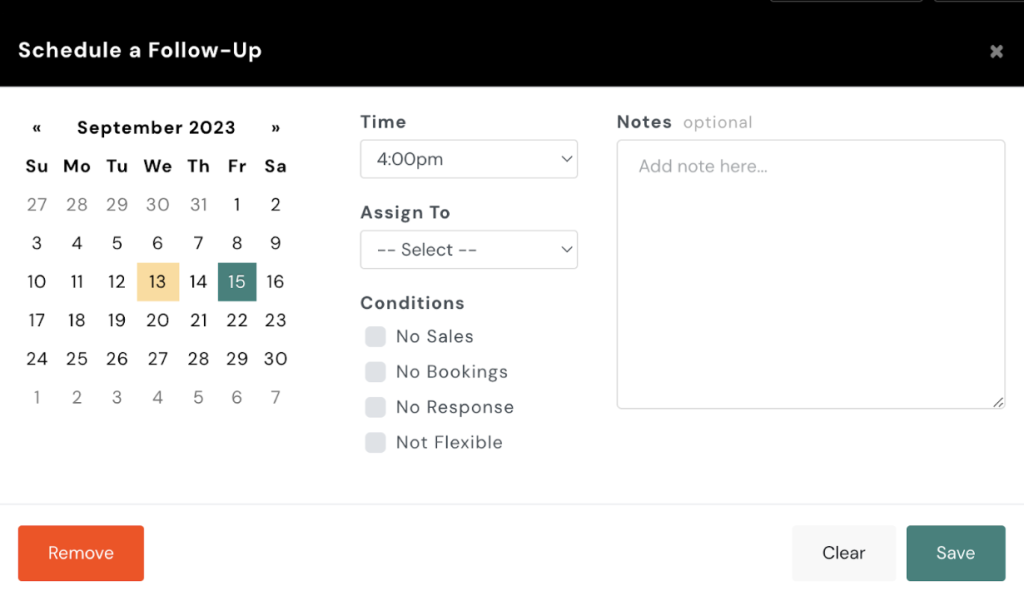
To delete a scheduled follow-up for a client, follow these steps:
- Access the Client Profile:
- Navigate to the client’s profile in your AXLE portal.
- Go to Follow-Ups:
- Click on the Follow-Up section within the client’s profile.
- Remove the Follow-Up:
- In the pop-up window, locate the scheduled follow-up you wish to delete and click Remove.
This will successfully delete the scheduled follow-up for the client.