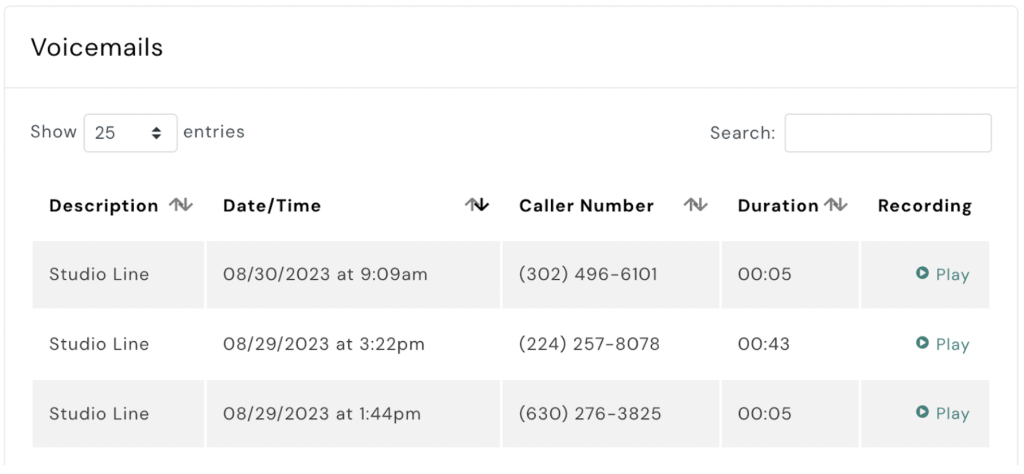
To listen to your voicemails in AXLE, follow these steps:
- Navigate to the Talk Section: On your AXLE portal, locate and select the Talk Section.
- Open the Phone System: Within the Talk Section, click on Phone System.
- Access Activity: Click on Activity to view recent phone system interactions.
- Find Voicemails: Scroll down to the Voicemails section.
- Play Your Voicemail: Click Play next to the voicemail you want to listen to.
By following these steps, you can efficiently access and listen to your voicemails directly from your desktop.