A package template allows for detailed customization of pricing options, including eyebrow text, title, description, and fine print, offering more flexibility than Mindbody’s basic fields. Here’s how to edit a package template:
- Access Pricing:
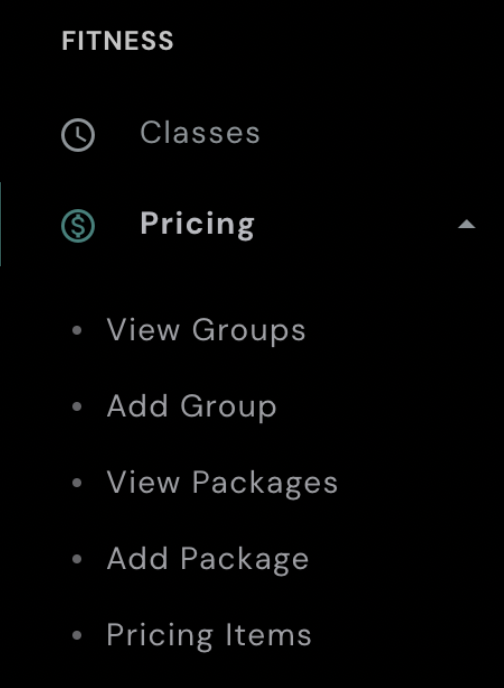
- On the left-hand side of your AXLE portal, locate the black toolbar.
- Under Fitness, click Pricing.
- View Packages:
- Select View Packages to see the list of package templates.
- Edit the Package:
- Locate the package you want to update and click Edit.
- Make Your Edits:
- Modify the eyebrow text, title, description, fine print, or any other fields as needed.
- Save Changes:
- Scroll down and click Save to apply your updates.
By following these steps, you can easily customize and update your package templates to reflect current offerings or promotional details.