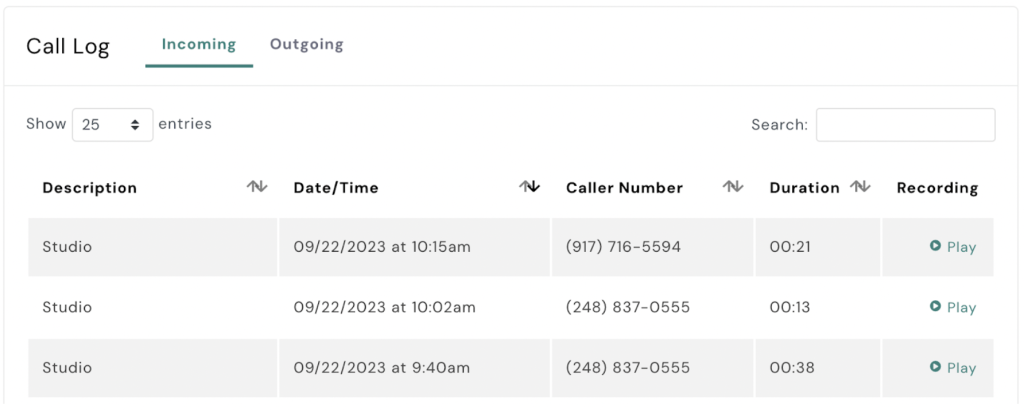
To review and listen to your AXLE Talk call recordings, follow these steps:
- Navigate to the Talk Section:
- On the left-hand side of your AXLE portal, select Talk.
- Open the Phone System:
- Click on Phone System.
- View Phone Lines:
- Select View Phone Lines.
- Access Activity for Your Phone Line:
- Locate your phone line and click Activity next to it.
- Play the Call Recording:
- Under the Call Log, find the recording you want to review.
- Click Play to listen to the recording.
These steps make it simple to access and review call recordings directly within the AXLE portal.