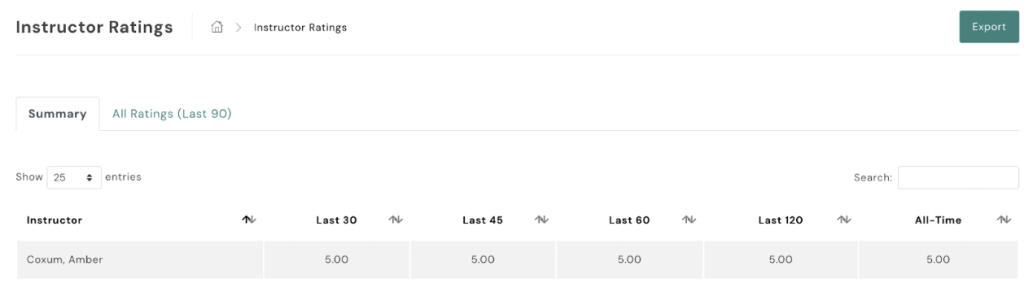
To review instructor ratings in AXLE:
- Navigate to Instructor Ratings:
- On the left-hand side of your portal, locate the black toolbar.
- Scroll down to Campaigns.
- Access Instructor Ratings:
- Click on Instructor Ratings.
Here, you can see instructor ratings over time. To review individual ratings received by each client, select ‘All Ratings’.